Enterprise and commercial display installations represent massive capital investments for modern organizations. They act as the visual anchor for many corporate spaces. You see them shining brightly in flagship retail stores. They dominate high-stakes executive boardrooms. Massive event stages rely on them entirely. Yet, buyers frequently face a frustrating reality after installation. A massive gap exists between standard hardware specifications and actual deployment outcomes.
Miscalculating environmental factors can easily destroy a costly project. Over-specifying screen resolution drains procurement budgets quickly. Standard spec sheets rarely tell the whole story. You need a realistic, procurement-level framework to evaluate display options accurately. We show you how to navigate complex hardware choices effectively. You can avoid hidden deployment risks easily. This approach ensures long-term operational success for your business. We strip away confusing marketing jargon. Instead, we focus on what truly matters for your next visual infrastructure upgrade.
Pixel pitch directly dictates cost and must align with minimum viewing distance; over-specifying resolution wastes budget.
Environmental factors (Nits and IP ratings) determine hardware lifespan and readability, not just placement.
Total Cost of Ownership (TCO) extends far beyond upfront pricing, heavily impacted by power draw and thermal management.
Seamless integration relies on secure backend controllers and software compatibility, not just the physical diodes.
Vendor evaluation must prioritize structural installation expertise, long-term SLA commitments, and batch-consistent spare parts.
Buyers often request the highest available resolution automatically. This habit unnecessarily inflates overall project costs. They mistakenly assume more pixels guarantee a better viewer experience. In reality, resolution must align perfectly with audience proximity. The physical distance between individual diodes defines the pixel pitch. Manufacturers measure this gap in millimeters.
A smaller pitch means a higher density of diodes. Higher diode density increases manufacturing costs exponentially. You must apply the standard viewing distance rule to optimize budgets. Industry standards dictate roughly one millimeter of pitch per one meter of viewing distance. If your audience stands three meters away, a P3.0 display looks perfectly crisp. Buying a P1.2 display for this scenario wastes capital completely.
Commercial evaluations require mapping pixel pitch to specific deployment scenarios. Executive boardrooms demand intense clarity for data visualization. A P1.2 to P1.5 pitch suits these intimate environments well. High-end retail windows often utilize P2.0 to P2.5 displays. Large event stages cater to distant crowds. They typically require P3.9 or higher. You must balance optimal clarity against budget efficiency constantly.
Decision logic relies on mapping the physical space first. Walk the room before requesting hardware quotes. Mark the closest point a viewer will stand. Base your primary resolution requirements on this exact measurement. Do not compromise the end-user experience, but refuse to over-buy resolution.
Table: Pixel Pitch vs. Minimum Viewing Distance
Deployment Scenario | Recommended Pixel Pitch | Minimum Viewing Distance | Primary Use Case |
|---|---|---|---|
Executive Boardroom | P1.2 to P1.5 | 1.2 to 1.5 meters | High-detail presentations, data visualization |
Retail Store Interior | P2.0 to P2.5 | 2.0 to 2.5 meters | Brand videos, ambient advertising |
Window Display | P2.5 to P3.0 | 2.5 to 3.0 meters | Street-level foot traffic engagement |
Outdoor Staging | P3.9 to P4.8 | 4.0 to 5.0 meters | Concerts, large crowd viewing |
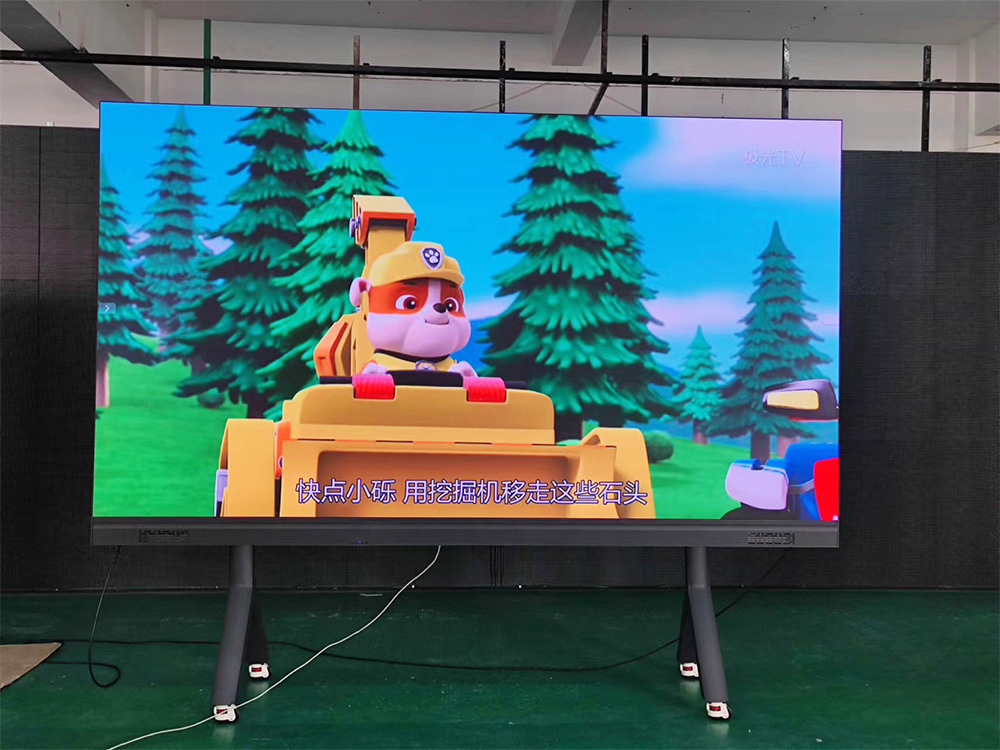
A display might look absolutely perfect inside a controlled showroom. It can fail completely when facing direct sunlight or heavy dust. Environmental resilience matters just as much as visual clarity. Brightness thresholds define baseline requirements for any successful deployment. We measure display brightness in Nits.
Indoor panels generally output between 600 and 1,200 Nits. This range prevents eye strain in standard office lighting. Direct-sun outdoor panels require significantly more power. They typically demand 5,000 to 8,000 Nits to remain legible. Placing a standard indoor panel in a sunlit window guarantees failure. The ambient daylight will wash out the image entirely.
Ingress Protection dictates how well hardware survives harsh elements. The IP rating system uses two numbers. The first number indicates solid particle protection. The second number indicates liquid ingress protection. You will often see split ratings for commercial modules.
An IP65/IP54 rating offers strong protection. The front face achieves IP65, blocking dust and low-pressure water jets. The rear achieves IP54, resisting standard dust and splashing water. Fully outdoor structures often demand IP65/IP65 ratings for total weatherproofing.
Implementation risks multiply when you ignore environmental stress factors. Carefully consider these common environmental threats during procurement:
Direct ultraviolet exposure degrading diode color output over time.
Salt fog corrosion attacking circuitry in coastal installation environments.
Trapped internal heat causing localized module failure and dead pixels.
Condensation build-up occurring during rapid overnight temperature shifts.
Heavy airborne dust clogging internal cooling fans and ventilation ports.
High-brightness panels generate significant heat during operation. They require specific heat dissipation infrastructure. Proper thermal management prevents long-term diode degradation. Active cooling uses fans and HVAC integration. Passive cooling relies on advanced aluminum heat sinks. Choose the right cooling method based on your climate.
Treating a massive display as a simple one-time purchase is dangerous. It ignores the heavy operational expenditures involved. These systems operate continuously over a five-to-ten-year lifespan. You must plan for ongoing maintenance and daily running costs. Power consumption realities surprise many new buyers.
Spec sheets list maximum power consumption and average power consumption. These two numbers differ drastically. Maximum consumption occurs when displaying a pure white image at full brightness. Average consumption sits much lower during standard video playback. Content type dictates your daily energy costs directly. Bright white backgrounds force diodes to draw maximum amperage. Dark mode content saves massive amounts of energy over a year.
Serviceability architecture determines how technicians repair your system. You must choose between front-service and rear-service panels. Front-service modules pop out easily using specialized magnetic suction tools. This design saves valuable real estate behind wall-mounted indoor displays. You do not need a maintenance catwalk behind the screen.
Rear-service access remains standard for large outdoor structures. Technicians climb inside the support structure to swap power supplies or cards. Always match your serviceability choice to your physical space constraints.
The batch risk represents a critical operational hazard. Manufacturers bin individual diodes by exact color and brightness profiles. They build complete displays using matching bins from a single production run. Securing spare modules from this exact same manufacturing batch is critical.
If you buy spare parts three years later, they will look different. You will see obvious patchwork color discrepancies during future repairs. Always purchase a 5% to 10% spare parts allocation on day one. Store these matching spares safely in a climate-controlled room.
The physical screen acts only as a display terminal. The backend infrastructure serves as the actual brain of the operation. This hidden hardware dictates system stability and content delivery. It also determines the network safety of the entire installation. System integration relies heavily on sending cards and receiving cards.
A media player feeds a signal into a video processor. The processor routes this signal into a sending card. The sending card distributes data to receiving cards inside every physical module. Industry leaders like NovaStar and Brompton manufacture these critical components. High-end processors ensure smooth refresh rates and deep color bit depth.
Integrating LED Screens into existing corporate AV setups requires careful planning. You must evaluate software compatibility early in the process. Enterprise teams already use specific Content Management Systems. Your new hardware must accept feeds from these established CMS platforms seamlessly. Nobody wants to learn an entirely new software ecosystem just for one display.
Security and compliance often trigger major corporate IT concerns. Networked displays represent vulnerable endpoints on a corporate network. Hackers can target them to display unauthorized content. They can also use them as gateways into secure internal databases.
Address these corporate IT requirements before signing any purchase orders. Highlight the need for secure network protocols and encrypted data transfers. Establish offline operation capabilities for sensitive environments. Guarantee compliance with internal data privacy standards. Many IT departments demand isolated VLANs specifically for AV infrastructure. Work closely with network engineers to ensure a safe, compliant deployment.
Hardware failure rarely stems from inherent factory defects. It usually happens due to poor physical integration. Inadequate vendor support also causes prolonged system downtime. Structural and weight considerations demand intense scrutiny. These commercial displays weigh hundreds or thousands of pounds.
You cannot simply hang them on standard drywall. They require strict structural engineering assessments. Certified professionals must perform detailed load-bearing calculations. Vendors must fabricate custom mounting frames for large installations. Improper structural mounting can lead to catastrophic physical collapses.
Evaluating warranties requires reading the fine print carefully. Break down exactly what a standard warranty covers. Distinguish between parts warranties and on-site labor coverage. A parts warranty means they ship a replacement module eventually. Labor coverage means a technician arrives to install it.
Look for guaranteed turnaround times for repairs. Service Level Agreements dictate these maximum acceptable downtime windows. Assess local technician availability in your specific region. A great SLA means nothing if the technician must fly across the country.
Use a strict shortlisting logic for final vendor evaluation. Follow these sequential steps to qualify your integration partners effectively:
Demand a comprehensive physical site survey before accepting any technical proposals.
Request documented proof of identical environmental deployments in similar corporate settings.
Confirm guaranteed response times for on-site repairs within the SLA document.
Verify the availability of local, certified repair technicians in your immediate area.
Mandate hands-on post-installation troubleshooting training for your in-house AV teams.
Never hire a vendor unwilling to perform a site survey. They cannot accurately predict cabling lengths or structural challenges blindly. Protect your investment by demanding rigorous logistical planning upfront.
A successful deployment requires balancing several competing priorities carefully. You must align pixel pitch with viewing distance to protect your budget. Environmental factors dictate the survival of your physical hardware. Operational costs and power draw define your long-term daily budgets. Seamless backend integration ensures your IT department remains happy and secure. Finally, strict vendor reliability guarantees your display stays active for years.
Your immediate next steps involve mapping your physical space constraints. Measure exact viewing distances and assess ambient lighting conditions objectively. Define your primary content strategy before contacting any hardware manufacturers. Knowing whether you will display high-contrast data or bright promotional videos changes everything. Gather this internal data first. Then, issue a comprehensive Request for Proposal to qualified integration partners.
A: Commercial panels generally follow a 100,000-hour half-life standard. This means the diodes will degrade to 50% of their original brightness after roughly 11 years of continuous operation. However, running panels at maximum brightness constantly or exposing them to excessive trapped heat accelerates this degradation significantly.
A: The primary advantage is the complete lack of physical bezels, allowing for a perfectly seamless canvas. LCD walls have grid lines between panels. While LCDs offer higher resolution per inch and lower upfront costs, seamless diode technology provides superior brightness and uniformity for large-scale enterprise environments.
A: It depends entirely on your specific content strategy. Cloud-based CMS options run effectively on small, localized media players attached directly to the sending cards. Highly complex setups, like synchronized 3D anamorphic content or live broadcast integrations, typically require dedicated local media servers for processing power.
A: No, standard indoor panels will fail in window environments. Ambient daylight and direct sun glare will wash out a 1,000-Nit indoor panel completely. You must procure high-brightness indoor-specific panels rated for at least 4,000 to 5,000 Nits to overcome heavy glass glare and daylight.