Upgrading AV systems demands more than relying on simple guesswork. IT directors, AV integrators, and procurement managers need precise calculations to ensure project success. Advanced visual technology ultimately sets the tone for all professional communications. Selecting the right display means balancing technical realities against visual requirements. Overspecifying pixel pitch wastes capital on microscopic details viewers cannot even see. Conversely, underspecifying leads to poor text legibility and significant user fatigue during data-heavy presentations. You cannot afford to make these costly deployment mistakes. Every boardroom requires tailored visual clarity. We bridge the gap between technical jargon and practical deployment. This guide provides the objective formulas and AV industry standards you must use. You will discover exactly how to specify the optimal screen size and resolution for modern corporate environments. Read on to master the exact math behind successful deployments.
Screen size should be dictated by the distance to the furthest viewer, typically following the AV industry's 4/6/8 rule.
Resolution and pixel pitch must align with the closest viewer's proximity; a P1.2 to P1.86 range is standard for modern boardrooms.
Content format dictates aspect ratio requirements (e.g., transitioning from standard 16:9 to 21:9 for Microsoft Teams Front Row).
Total Cost of Ownership (TCO) evaluation must include structural reinforcement, power draw, and front-serviceability requirements.
Before choosing hardware, you must define the primary use case. Different spaces demand entirely different specifications. High-data environments require an extremely tight pixel pitch. Financial teams reviewing dense spreadsheets need perfect text clarity. Architectural firms analyzing intricate CAD files require absolute visual precision. If viewers cannot read small numbers, the technology fundamentally fails. Video-first spaces allow for slightly more relaxed density. You gain flexibility when showing large graphics or simple slide decks. Always prioritize legibility over screen size.
Next, carefully map out the physical room dimensions. Ceiling height strictly limits your maximum display height. It also severely restricts optimal viewing angles for seated participants. You must measure exactly where viewers will sit relative to the screen. Poor angles distort colors heavily. They also ruin the viewing experience for executives sitting at the outer edges of long tables. Establish physical boundaries before reviewing equipment catalogs.
Finally, compare these specific demands to other commercial spaces. An Indoor LED Display in a sunlit Lobby or brightly lit Retail setting prioritizes peak nits to combat heavy glare. They push maximum brightness aggressively. Conversely, a Conference room display prioritizes high contrast ratios. It needs exceptional grayscale performance at low brightness levels. Deep blacks and tight pixel density matter far more than maximum brightness here. Darker meeting spaces expose poor contrast very quickly. An overly bright screen in a dim room causes intense eye strain during long sessions.
Guessing physical dimensions leads to disastrous visual experiences. You should rely on proven industry math instead. The AV industry universally applies the 4/6/8 rule for viewing distances. This specific formula mathematically dictates screen height based on the furthest viewer in the room. You simply measure the distance to the back row. Then, you apply the appropriate multiplication factor. Unlike consumer televisions, professionals measure commercial walls by height and width independently. Diagonal measurements mean very little here.
Here is a practical breakdown chart illustrating the 4/6/8 rule calculations:
Viewing Category | Content Type | Distance Multiplier | Max Viewer Distance (For a 5ft Tall Screen) |
|---|---|---|---|
Analytical Viewing | Spreadsheets, CAD, detailed data text | 4x screen height | 20 feet |
Basic Viewing | Standard presentations, large text bullets | 6x screen height | 30 feet |
Passive Viewing | Casual video content, background images | 8x screen height | 40 feet |
Next, you must evaluate aspect ratio requirements. The standard 16:9 ratio handles traditional video calls perfectly. It also fits standard presentation slides seamlessly. However, unified communications are evolving rapidly today. You should seriously evaluate 21:9 ultra-wide setups. This broader format directly supports modern software layouts like Microsoft Teams Front Row. It allows simultaneous content sharing, chat windows, and participant video galleries without overlap. Extra width transforms routine meetings into highly immersive visual experiences.
Ergonomics also heavily dictate proper placement. You must ensure adequate physical clearance from the floor. Industry best practices recommend placing the bottom edge 36 to 48 inches high. This specific height prevents frustrating visual obstructions. Seated attendees, open laptops, and large tables will not block the lower third of the screen. Everyone in the room maintains a perfectly clear line of sight at all times.
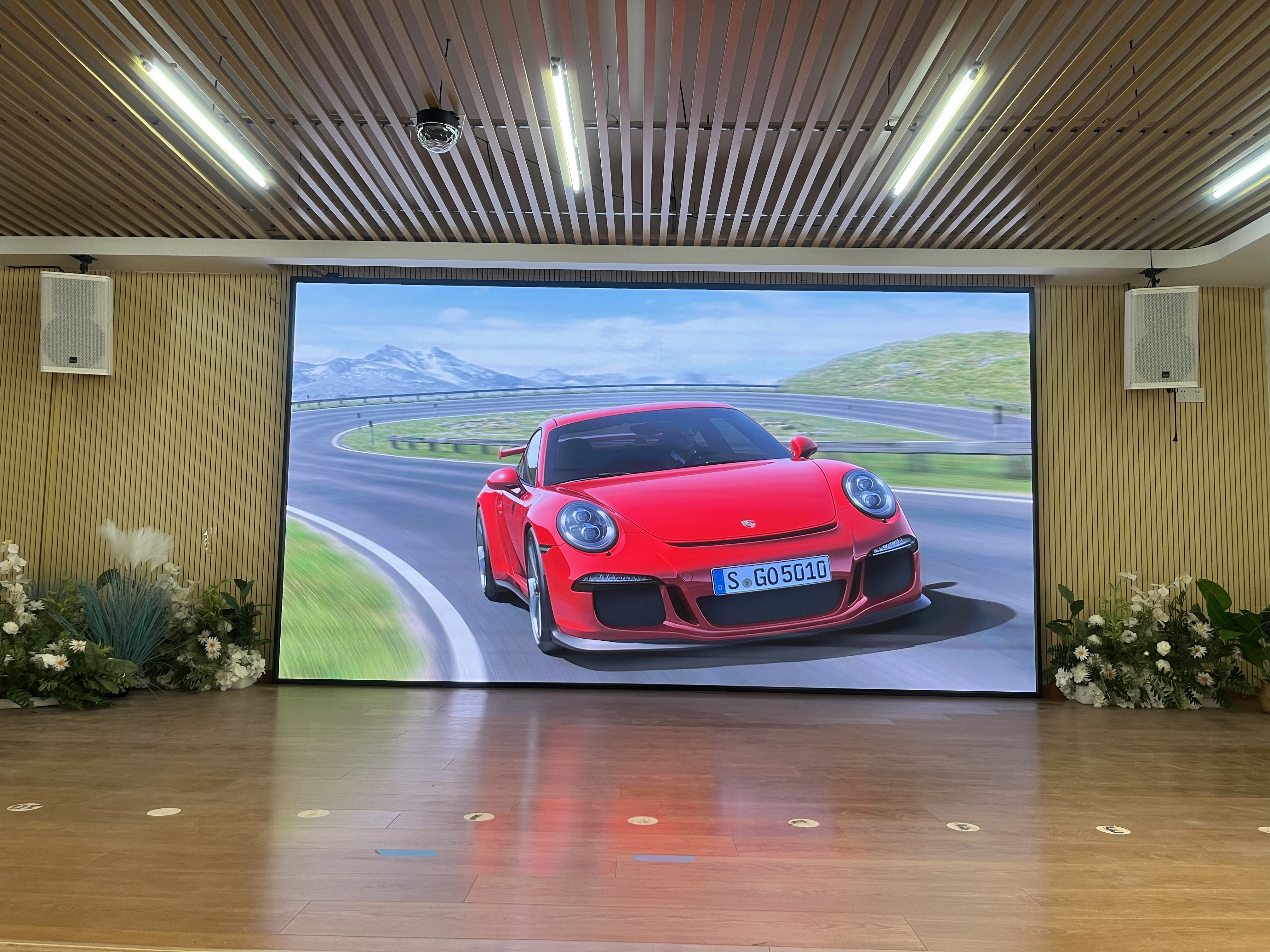
Pixel pitch defines the exact physical distance between individual LED clusters. This microscopic measurement directly determines overall image clarity. The general industry rule provides a simple baseline calculation. You need one millimeter of pitch for every one meter of viewing distance. One meter roughly equals 3.28 feet. If your closest viewer sits 10 feet away, a 3mm pitch offers acceptable clarity. Eye fatigue becomes a massive issue if the pitch is too wide.
However, modern meeting spaces demand much tighter hardware configurations. People sit very close to the hardware. Let us map common specifications to realistic scenarios to guide your choice effectively.
P1.2 to P1.5: Executive boardrooms require this ultra-tight density. Viewers often sit under six feet from the display surface. Premium environments demand flawless visual continuity without visible pixels.
P1.86: This size represents the current standard baseline for corporate meeting rooms. It perfectly balances hardware cost against text legibility. Participants sitting six to eight feet away enjoy crisp images.
P2.0 to P2.5: Large auditoriums or training rooms use this broader pitch. The closest row usually sits further back. You save money without sacrificing perceived quality from a distance.
Many buyers misunderstand how resolution works on an LED Display. These walls lack fixed resolutions like a consumer 4K television. Instead, they offer a total pixel count. You calculate this by dividing physical cabinet dimensions by the pixel pitch. To hit exact 1080p or 4K pixel equivalencies, you must precisely match the overall dimensions against your chosen pitch. Do not trust generic pixel calculators without verifying exact cabinet dimensions. Tighter pitches allow you to reach true 4K resolution on a much smaller physical footprint. A larger pitch requires massive wall real estate to fit eight million pixels.
Technical specifications mean absolutely nothing if the building cannot support the installation. These modular cabinets demand incredibly precise physical alignment. Weight and structural integrity present massive implementation risks. You must evaluate load-bearing capacities early in the planning phase. Wall blocking and specialized mounting frames are non-negotiable requirements. Plywood backing installed over steel studs provides the necessary shear strength. Substandard mounting causes visible seams. It also leads to devastating alignment failures over time.
Next, rigorously analyze power and thermal output. You must map out both peak and typical electrical consumption. Peak consumption occurs during initial startup. It also spikes sharply when displaying full white screens. Require dedicated electrical circuits to prevent tripped breakers during critical moments. You also need to assess HVAC capacity thoroughly. A massive video wall generates significant BTU output continuously. Your room cooling system must handle this added thermal load. Excess heat degrades diode lifespan rapidly and causes premature hardware failure.
Do not overlook strict ADA compliance during the design phase. Wall-mounted displays in high-traffic corridors face rigorous legal regulations. In the United States, screens must not protrude more than four inches from the wall surface. You must recess the mounting structure directly into the drywall to comply legally. Inspectors routinely fail commercial projects that ignore protrusion limits. Plan for this architectural recess months in advance.
Finally, prioritize ongoing system maintenance. Mandate full front-serviceability for all internal components. Technicians must easily access individual modules from the front face. They also need front access to internal power supply units and receiving cards. This intelligent design prevents maintenance crews from dismantling the entire wall during routine repairs. It reduces downtime from days to mere minutes.
You must carefully evaluate the backend processing hardware. Assess compatibility against industry-standard video controllers. Brands like Novastar and Brompton dominate the global market for excellent reasons. They offer robust reliability and incredibly advanced software features. They allow low-latency processing. This eliminates embarrassing lip-sync issues during live video feeds. Verify their exact scaling capabilities before purchasing. You will need exceptional scaling power if you adopt non-standard aspect ratios like 21:9. Poor processing creates stretched or heavily distorted images.
Camera sync issues can instantly ruin virtual meetings. Ensure your chosen hardware delivers a minimum 3840Hz refresh rate. High refresh rates prevent awful scan lines from appearing on external cameras. They also eliminate distracting moiré effects during broadcasted video calls. Remote participants need clean, stable visuals to remain engaged.
Never ignore the physical manufacturing details. Review these critical parameters before signing any contract.
Verify warranty terms: Check module replacement policies carefully. Electronic parts fail occasionally, and you need guaranteed replacements.
Demand batch consistency: Always buy extra spare modules from the exact same manufacturing batch. Request them explicitly during your initial order.
Control LED binning: Strict binning prevents noticeable color mismatches. Diodes degrade at specific rates based on their batch. Replacing a module later using a different batch creates ugly patchwork panels.
Your immediate next step requires physical space validation. We strongly recommend initiating a professional site survey immediately. You must measure ambient light levels using exact foot-candles. Map out all physical conduit paths for routing power and data safely. Measure precise seating distances before ever issuing an official RFP. Mathematical preparation guarantees complete project success.
Successful AV integration demands rigorous planning and precise mathematics. You cannot rely on arbitrary budget allocations to determine visual clarity. The distance to your furthest viewer dictates the necessary screen height, while the closest viewer determines your pixel pitch. Do not leave visual performance to chance.
Follow these essential action items to move forward effectively:
Calculate your minimum screen height using the industry-standard 4/6/8 viewing distance formulas.
Execute a structural review immediately to verify wall integrity and cooling capacity.
Purchase extra modules from the exact same LED binning batch to future-proof seamless repairs.
Schedule a comprehensive site survey to finalize ambient light conditions and power routing.
A: Selecting a pitch that is too large causes severe visual pixelation. Viewers sitting close to the screen will easily see the dark gaps between individual LEDs. This grid effect drastically reduces image clarity. It leads to intense eye strain and headaches, especially when participants try to read text-heavy spreadsheets or dense architectural plans during long meetings.
A: Yes, you can achieve true 4K resolution. However, it depends entirely on your physical screen size and pixel pitch. A 4K image requires approximately 8.3 million individual pixels. To fit that massive pixel count into a standard meeting space, you need an extremely tight pixel pitch, typically measuring under 1.2mm across a standard wall dimension.
A: They are not too bright if properly configured. High-quality systems feature highly adjustable brightness settings. They rely on excellent low-light grayscale performance to maintain rich color depth without blinding viewers. Professional calibration ensures the screen combats ambient window glare while remaining perfectly comfortable for extended indoor viewing sessions.